Log-Rank Test Visualization in Python
Technique overview
Compare Kaplan-Meier survival curves between groups with log-rank testing, censor marks, and risk-aware interpretation.
The log-rank test compares survival curves across groups while accounting for censored observations. It is most often shown alongside Kaplan-Meier curves because the p-value alone does not reveal when groups diverge, how many subjects remain at risk, or whether censoring is balanced. A strong visualization should mark censored observations, annotate the p-value, and include a compact risk table so late-time curve behavior is not overinterpreted.
Key points
- Compare Kaplan-Meier survival curves between groups with log-rank testing, censor marks, and risk-aware interpretation.
- The log-rank test compares survival curves across groups while accounting for censored observations.
- It is most often shown alongside Kaplan-Meier curves because the p-value alone does not reveal when groups diverge, how many subjects remain at risk, or whether censoring is balanced.
- A strong visualization should mark censored observations, annotate the p-value, and include a compact risk table so late-time curve behavior is not overinterpreted.
Example Visualization
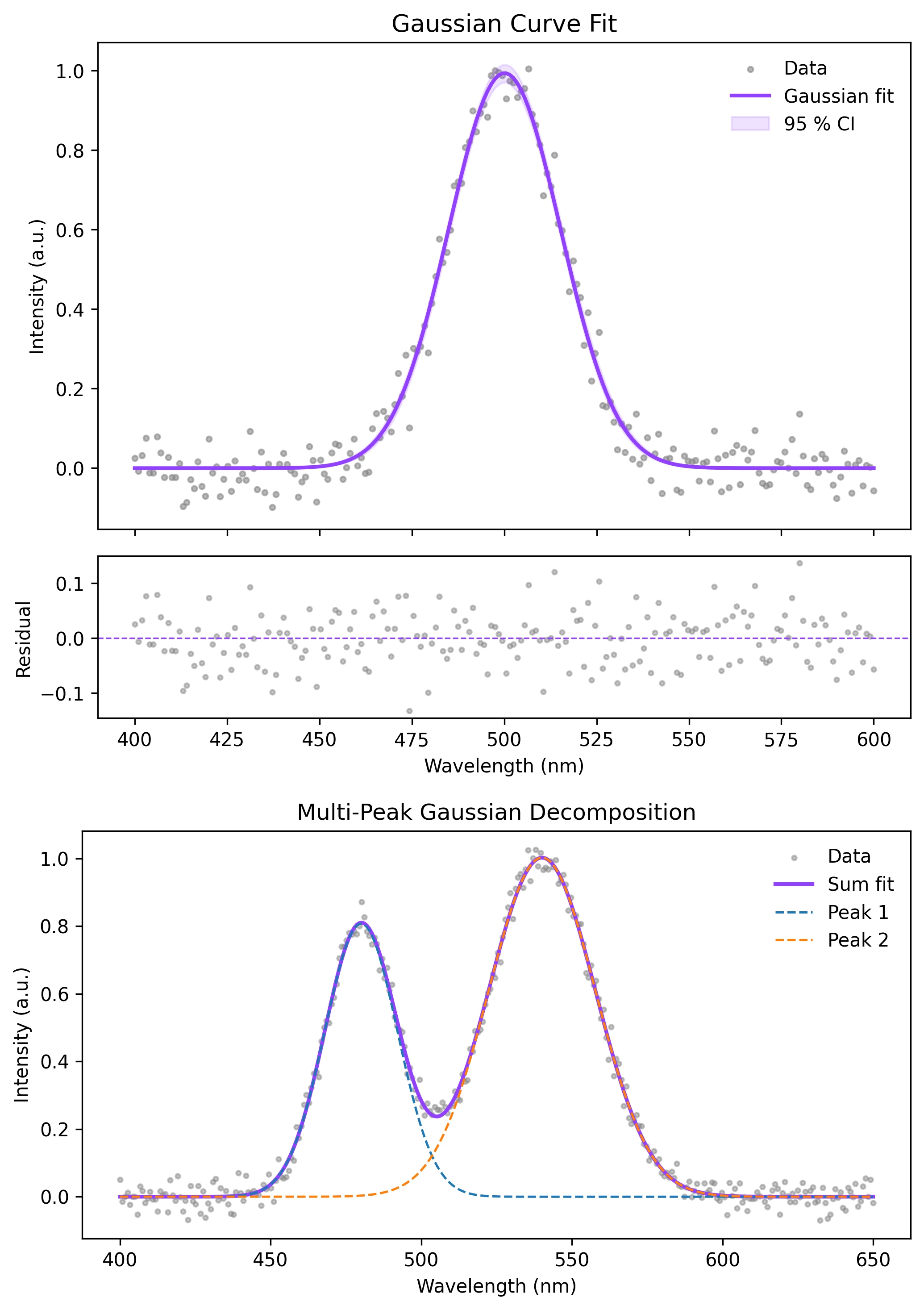
Review the example first, then use the live editor below to run and customize the full workflow.
Mathematical Foundation
The log-rank test compares survival curves across groups while accounting for censored observations.
Equation
chi2 = (observed_events - expected_events)^2 / varianceParameter breakdown
When to use this technique
Use the log-rank test to compare Kaplan-Meier curves between independent groups when censoring is present and hazards are reasonably proportional.
Apply This Technique Now
Run this analysis workflow with AI in seconds. Use the prepared technique prompt or bring your own dataset.
View example prompt
"Compare survival curves with a log-rank test, plot the Kaplan-Meier estimates with censored marks and a risk table, and annotate the p-value"
How to apply this technique in 30 seconds
Generate
Run the example prompt and let AI generate this technique automatically.
Refine and Export
Adjust code or prompt, then export publication-ready figures.
Implementation Code
The core data processing logic. Copy this block and replace the sample data with your measurements.
import numpy as np
from scipy import stats

def log_rank_test(t1, e1, t2, e2):
    e1, e2 = np.asarray(e1, bool), np.asarray(e2, bool)
    event_times = np.unique(np.concatenate([t1[e1], t2[e2]]))
    observed, expected, variance = 0.0, 0.0, 0.0
    for t in event_times:
        n1, n2 = np.sum(t1 >= t), np.sum(t2 >= t)
        d1, d2 = np.sum((t1 == t) & e1), np.sum((t2 == t) & e2)
        n, d = n1 + n2, d1 + d2
        if n > 1:
            observed += d1
            expected += n1 * d / n
            variance += n1 * n2 * d * (n - d) / (n * n * (n - 1))
    chi2 = (observed - expected) ** 2 / variance
    p_value = 1 - stats.chi2.cdf(chi2, df=1)
    return chi2, p_value

np.random.seed(18)
t_control = np.random.exponential(18, 55)
e_control = np.random.binomial(1, 0.78, 55).astype(bool)
t_treated = np.random.exponential(28, 55)
e_treated = np.random.binomial(1, 0.70, 55).astype(bool)

chi2, p = log_rank_test(t_control, e_control, t_treated, e_treated)
print(f"log-rank chi2 = {chi2:.3f}, p = {p:.4f}")Visualization Code
Complete matplotlib code for a publication-ready figure. Copy, paste into your notebook, and adjust labels to match your data.
import numpy as np
import matplotlib.pyplot as plt
from scipy import stats

def kaplan_meier(t, e):
    order = np.argsort(t)
    t, e = np.asarray(t)[order], np.asarray(e, bool)[order]
    times, surv = [0.0], [1.0]
    risk = len(t)
    i = 0
    while i < len(t):
        current = t[i]
        j = i
        while j < len(t) and t[j] == current:
            j += 1
        events = np.sum(e[i:j])
        if events:
            times.append(current)
            surv.append(surv[-1] * (1 - events / risk))
        risk -= (j - i)
        i = j
    return np.array(times), np.array(surv)

def log_rank_test(t1, e1, t2, e2):
    event_times = np.unique(np.concatenate([t1[e1], t2[e2]]))
    observed, expected, variance = 0.0, 0.0, 0.0
    for t in event_times:
        n1, n2 = np.sum(t1 >= t), np.sum(t2 >= t)
        d1, d2 = np.sum((t1 == t) & e1), np.sum((t2 == t) & e2)
        n, d = n1 + n2, d1 + d2
        if n > 1:
            observed += d1
            expected += n1 * d / n
            variance += n1 * n2 * d * (n - d) / (n * n * (n - 1))
    chi2 = (observed - expected) ** 2 / variance
    return 1 - stats.chi2.cdf(chi2, 1)

np.random.seed(18)
t_control = np.random.exponential(18, 55)
e_control = np.random.binomial(1, 0.78, 55).astype(bool)
t_treated = np.random.exponential(28, 55)
e_treated = np.random.binomial(1, 0.70, 55).astype(bool)
tc, sc = kaplan_meier(t_control, e_control)
tt, st = kaplan_meier(t_treated, e_treated)
p = log_rank_test(t_control, e_control, t_treated, e_treated)

fig, ax = plt.subplots(figsize=(8, 5))
ax.step(tc, sc, where="post", color="#888888", lw=2, label="Control")
ax.step(tt, st, where="post", color="#9240ff", lw=2, label="Treated")
ax.scatter(t_control[~e_control], np.interp(t_control[~e_control], tc, sc), marker="|",
           color="#888888", s=55, label="Censored")
ax.scatter(t_treated[~e_treated], np.interp(t_treated[~e_treated], tt, st), marker="|",
           color="#9240ff", s=55)
ax.text(0.97, 0.95, f"Log-rank p = {p:.4f}", transform=ax.transAxes,
        ha="right", va="top", fontsize=10)
ax.set_xlabel("Time")
ax.set_ylabel("Survival probability")
ax.set_ylim(-0.05, 1.05)
ax.set_title("Kaplan-Meier Curves with Log-Rank Test")
ax.legend(frameon=False)
ax.spines[["top", "right"]].set_visible(False)
plt.tight_layout()
plt.savefig("log_rank_test_visualization.png", dpi=300, bbox_inches="tight")
plt.show()Add a Simple Number-at-Risk Table
Risk tables prevent overinterpretation of the tail of a survival curve, where only a few subjects may remain under observation.
checkpoints = np.array([0, 12, 24, 36, 48])
control_at_risk = [np.sum(t_control >= t) for t in checkpoints]
treated_at_risk = [np.sum(t_treated >= t) for t in checkpoints]
print("time:", checkpoints.tolist())
print("control at risk:", control_at_risk)
print("treated at risk:", treated_at_risk)Common Errors and How to Fix Them
Late curve separation is overinterpreted
Why: Few subjects may remain at risk late in follow-up.
Fix: Show a number-at-risk table and interpret sparse tail regions cautiously.
Censored observations are treated as events
Why: Event indicators are inverted or miscoded.
Fix: Use event_observed=True only when the event occurred. Censored subjects should be False.
Non-proportional hazards are ignored
Why: The log-rank test is most powerful under proportional hazards.
Fix: Inspect crossing curves and consider restricted mean survival time or time-varying effects.
Frequently Asked Questions
Apply Log-Rank Test Visualization in Python to Your Data
Upload your dataset and Plotivy generates the Python code, runs the analysis, and produces a publication-ready figure.
Generate Code for This TechniquePython Libraries
Quick Info
- Domain
- Clinical
- Typical Audience
- Clinical researchers and epidemiologists comparing time-to-event outcomes across treatment arms or cohorts