Mixed-Effects Model Visualization in Python
Technique overview
Visualize repeated-measures and clustered data with mixed-effects models, fixed effects, random intercepts, and confidence bands.
Mixed-effects models handle repeated-measures, longitudinal, and nested data where observations are not independent. Instead of pretending every row is a separate subject, the model separates fixed effects, such as treatment or time, from random effects, such as subject-specific baselines or site-specific shifts. The most useful visualization shows both the raw grouped trajectories and the model-implied population trend, so readers can see why a mixed model was needed.
Key points
- Visualize repeated-measures and clustered data with mixed-effects models, fixed effects, random intercepts, and confidence bands.
- Mixed-effects models handle repeated-measures, longitudinal, and nested data where observations are not independent.
- Instead of pretending every row is a separate subject, the model separates fixed effects, such as treatment or time, from random effects, such as subject-specific baselines or site-specific shifts.
- The most useful visualization shows both the raw grouped trajectories and the model-implied population trend, so readers can see why a mixed model was needed.
Example Visualization
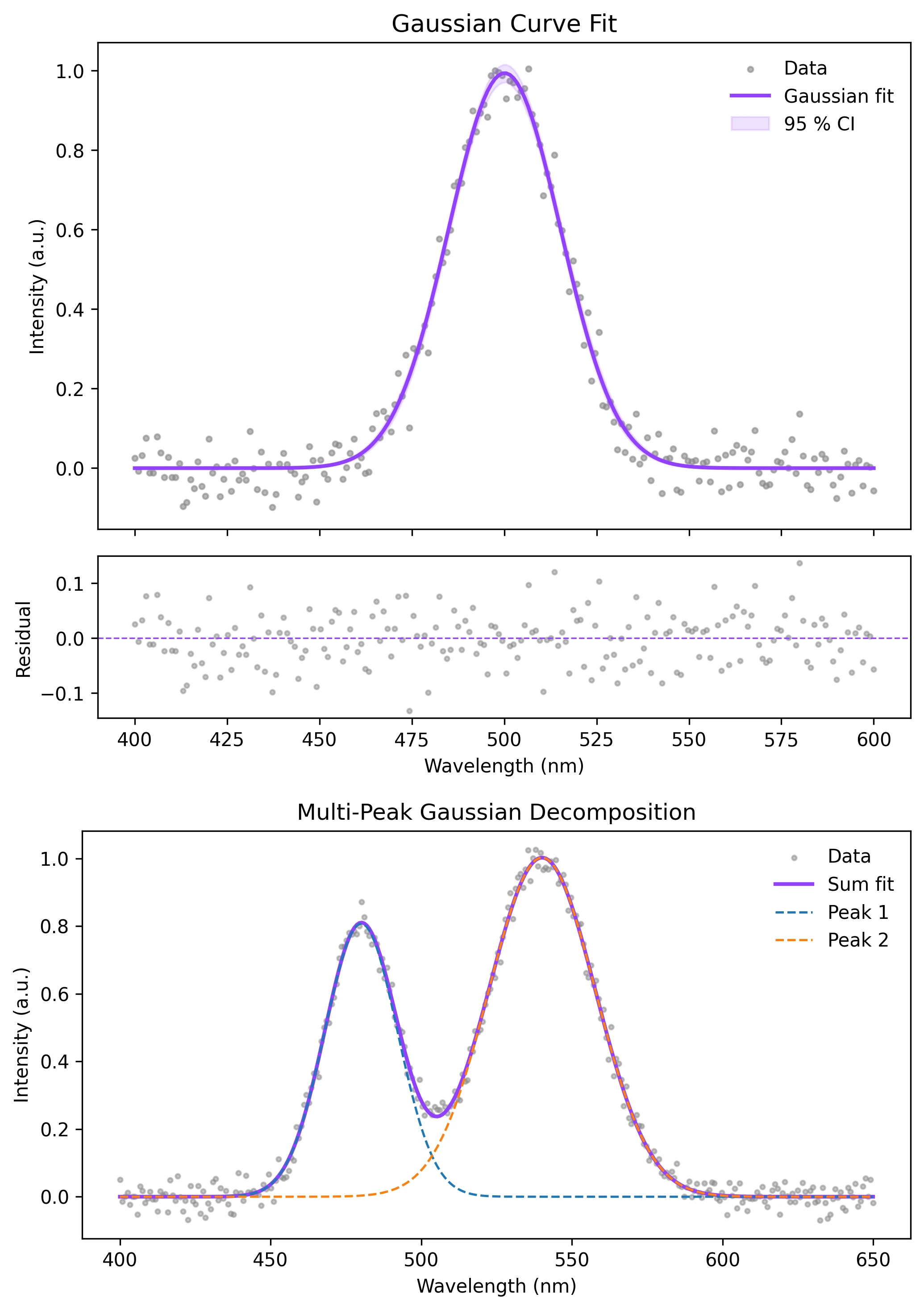
Review the example first, then use the live editor below to run and customize the full workflow.
Mathematical Foundation
Mixed-effects models handle repeated-measures, longitudinal, and nested data where observations are not independent.
Equation
y_ij = beta0 + beta1*x_ij + b0_i + error_ijParameter breakdown
When to use this technique
Use mixed-effects models when measurements are repeated within subjects, nested within batches, clustered by site, or otherwise correlated.
Apply This Technique Now
Run this analysis workflow with AI in seconds. Use the prepared technique prompt or bring your own dataset.
View example prompt
"Visualize my mixed-effects model with fixed-effect trends, random intercepts, and confidence bands for each group, then annotate the key model terms"
How to apply this technique in 30 seconds
Generate
Run the example prompt and let AI generate this technique automatically.
Refine and Export
Adjust code or prompt, then export publication-ready figures.
Implementation Code
The core data processing logic. Copy this block and replace the sample data with your measurements.
import numpy as np
import pandas as pd
import statsmodels.formula.api as smf

np.random.seed(12)
subjects = np.repeat(np.arange(18), 5)
time = np.tile(np.arange(5), 18)
treatment = np.repeat(np.random.choice(["control", "treated"], 18), 5)
subject_shift = np.repeat(np.random.normal(0, 1.0, 18), 5)
treated_effect = (treatment == "treated") * 1.2
response = 5 + 0.45 * time + treated_effect + subject_shift + np.random.normal(0, 0.55, len(time))

df = pd.DataFrame({"subject": subjects, "time": time, "treatment": treatment, "response": response})
model = smf.mixedlm("response ~ time * treatment", df, groups=df["subject"])
result = model.fit()
print(result.summary())Visualization Code
Complete matplotlib code for a publication-ready figure. Copy, paste into your notebook, and adjust labels to match your data.
import numpy as np
import pandas as pd
import matplotlib.pyplot as plt
import statsmodels.formula.api as smf

np.random.seed(12)
subjects = np.repeat(np.arange(18), 5)
time = np.tile(np.arange(5), 18)
treatment = np.repeat(np.random.choice(["control", "treated"], 18), 5)
subject_shift = np.repeat(np.random.normal(0, 1.0, 18), 5)
response = 5 + 0.45 * time + (treatment == "treated") * 1.2 + subject_shift + np.random.normal(0, 0.55, len(time))
df = pd.DataFrame({"subject": subjects, "time": time, "treatment": treatment, "response": response})

result = smf.mixedlm("response ~ time * treatment", df, groups=df["subject"]).fit()
pred_grid = pd.DataFrame({
    "time": np.tile(np.linspace(0, 4, 80), 2),
    "treatment": np.repeat(["control", "treated"], 80),
})
pred_grid["prediction"] = result.predict(pred_grid)

fig, ax = plt.subplots(figsize=(8, 5))
for subject, sub in df.groupby("subject"):
    color = "#9240ff" if sub["treatment"].iloc[0] == "treated" else "#888888"
    ax.plot(sub["time"], sub["response"], color=color, alpha=0.22, lw=1)
for label, sub in pred_grid.groupby("treatment"):
    color = "#9240ff" if label == "treated" else "#111111"
    ax.plot(sub["time"], sub["prediction"], color=color, lw=3, label=f"{label} fixed effect")
ax.set_xlabel("Time")
ax.set_ylabel("Response")
ax.set_title("Mixed-Effects Model: Subject Trajectories and Fixed Trends")
ax.legend(frameon=False)
ax.spines[["top", "right"]].set_visible(False)
plt.tight_layout()
plt.savefig("mixed_effects_model_visualization.png", dpi=300, bbox_inches="tight")
plt.show()Random Intercept Caterpillar Plot
Plotting subject-level random intercepts helps identify clusters that sit consistently above or below the population trend.
random_intercepts = {
    subject: effects["Group"]
    for subject, effects in result.random_effects.items()
}
ordered = sorted(random_intercepts.items(), key=lambda item: item[1])
print(ordered[:3], ordered[-3:])Common Errors and How to Fix Them
Ignoring repeated measurements
Why: Treating clustered observations as independent underestimates uncertainty.
Fix: Use a random intercept for the subject, site, batch, or cluster that creates dependence.
Only showing the fitted line
Why: Readers cannot see the grouped structure that motivated the model.
Fix: Plot raw subject trajectories behind the population-level fitted trend.
Random effects structure is too complex
Why: Small datasets may not support random slopes and multiple grouping terms.
Fix: Start with a random intercept, then add complexity only when justified by design and diagnostics.
Frequently Asked Questions
Apply Mixed-Effects Model Visualization in Python to Your Data
Upload your dataset and Plotivy generates the Python code, runs the analysis, and produces a publication-ready figure.
Generate Code for This TechniquePython Libraries
Quick Info
- Domain
- Statistics
- Typical Audience
- Biostatisticians, psychologists, and experimental researchers working with repeated measures, longitudinal, or nested data