AI Figure Reviewer for Scientists: Improve Your Plot Before Peer Review
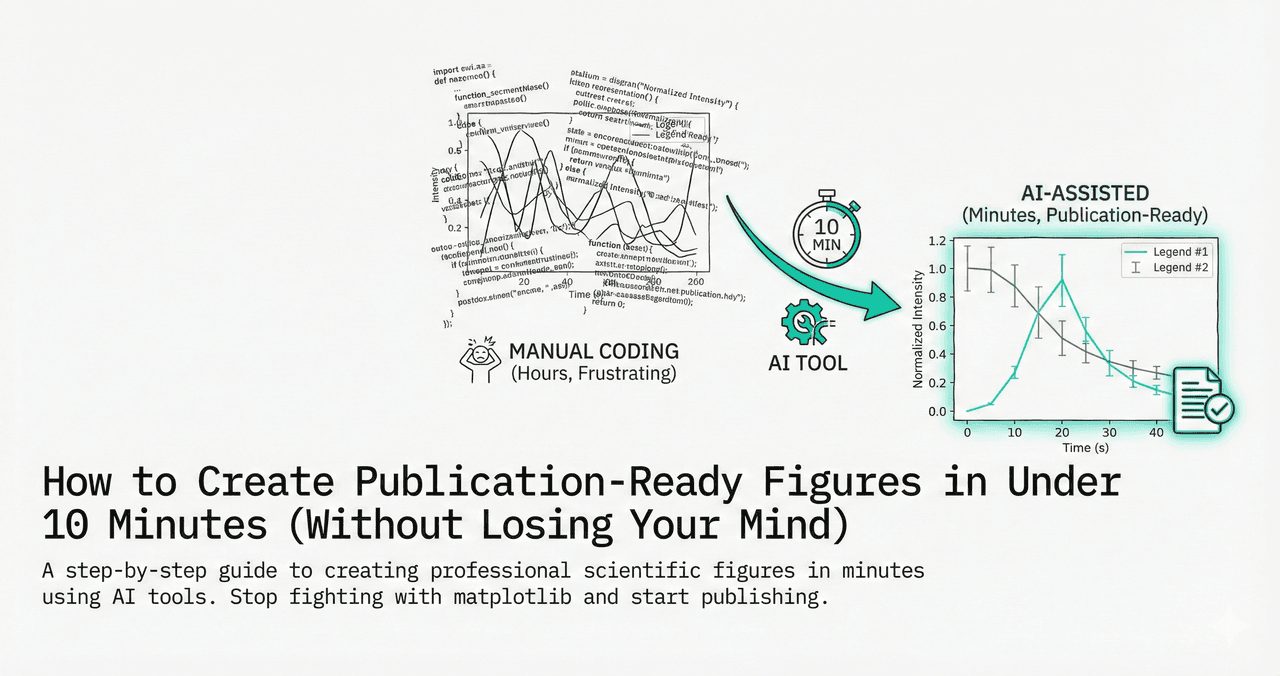
Most researchers only find out that a figure is weak when a reviewer points it out. By then, your revision cycle is longer, your confidence drops, and the paper timeline gets delayed. An AI figure reviewer changes that workflow: you get actionable critique before submission.
Plotivy's Plot Reviewer inspects your uploaded figure and flags issues in clarity, labeling, hierarchy, color accessibility, and publication readiness. It then gives concrete suggestions and prompts you can apply directly in the Analyze workspace.
1. Upload a figure
Drop in a PNG or screenshot from any tool, including matplotlib, Prism, Origin, or Excel.
2. Get structured critique
Receive strengths, critical issues, and ranked improvements with implementation guidance.
3. Apply fixes fast
Convert feedback into prompts and regenerate improved figures in Analyze.
Before/After critique examples
Try it
Try it now: review your figure before submission
Upload your current plot and get an AI critique with concrete fixes for clarity, typography, color, and journal readiness.
Open AI Figure Reviewer →Newsletter
Get a weekly Python plotting tip
One concise tip each week for cleaner, faster scientific figures. Built for researchers who publish.
These are common patterns that appear in manuscript figures. The goal is not visual style only. It is scientific readability under review conditions.
Example 1: Overloaded bar chart
Before: 14 categories on one axis, tiny labels, bright colors with low contrast, no uncertainty shown.
AI critique: axis labels unreadable at journal column width, missing error bars, weak visual hierarchy, and color palette not colorblind-safe.
After: grouped categories reduced to meaningful cohorts, confidence intervals added, typography scaled for print, and accessible palette applied.
Example 2: Spectroscopy line plot
Before: raw noisy traces, overlapping legends, no peak annotations, unclear units.
AI critique: baseline treatment not communicated, key features hard to identify, and caption would need to over-explain the figure.
After: smoothed reference overlaid with transparent raw trace, major peaks labeled, units and acquisition metadata clarified in axis labels.
Example 3: Multi-panel figure
Before: inconsistent fonts and spacing across panels, mismatched scales, and legends duplicated.
AI critique: panel hierarchy is unclear, cross-panel comparison is unreliable due to inconsistent axes.
After: unified style system across panels, aligned scales where relevant, single external legend, and panel labels ready for journal templates.
What to check before submission
- Axis labels include units and remain readable at print size.
- Colors communicate structure and remain interpretable for colorblind readers.
- Error representation is scientifically appropriate for the metric.
- Figure layout supports rapid interpretation without dense caption dependence.
- Export settings match journal requirements for DPI and format.
If your next figure is heading into peer review, run it through the reviewer first. It takes minutes and can remove an entire revision cycle.
Technique guides scientists read next
scipy.signal.find_peaks guide
Tune prominence and width parameters for robust peak extraction.
Savitzky-Golay smoothing
Reduce noise while preserving peak shape and position.
PCA visualization workflow
Move from high-dimensional measurements to interpretable components.
ANOVA with post-hoc brackets
Add statistically correct pairwise significance annotations.
Found this helpful? Share it with your network.
Experimental Physicist & Photonics Researcher
Hands-on experience in silicon photonics, semiconductor fabrication (DRIE/ICP-RIE), optical simulation, and data-driven analysis. Built Plotivy to help researchers focus on discoveries instead of data struggles.
More about the authorVisualize your own data
Apply the techniques from this article to your own datasets. Upload CSV, Excel, or paste data directly.