FFT Spectrum Analysis in Python
Technique overview
Analyze periodic signals in the frequency domain with FFT amplitude spectra, power spectra, and harmonic identification.
FFT spectrum analysis converts a time-domain signal into frequency components so you can identify oscillations, harmonics, instrument noise, and periodic artifacts. It is widely used in vibration analysis, electrophysiology, optics, acoustics, and sensor diagnostics. The important details are sampling rate, windowing, frequency resolution, and amplitude scaling. A good spectrum plot should state these details because the same raw signal can look misleading if the sampling assumptions are hidden.
Key points
- Analyze periodic signals in the frequency domain with FFT amplitude spectra, power spectra, and harmonic identification.
- FFT spectrum analysis converts a time-domain signal into frequency components so you can identify oscillations, harmonics, instrument noise, and periodic artifacts.
- It is widely used in vibration analysis, electrophysiology, optics, acoustics, and sensor diagnostics.
- The important details are sampling rate, windowing, frequency resolution, and amplitude scaling.
Example Visualization
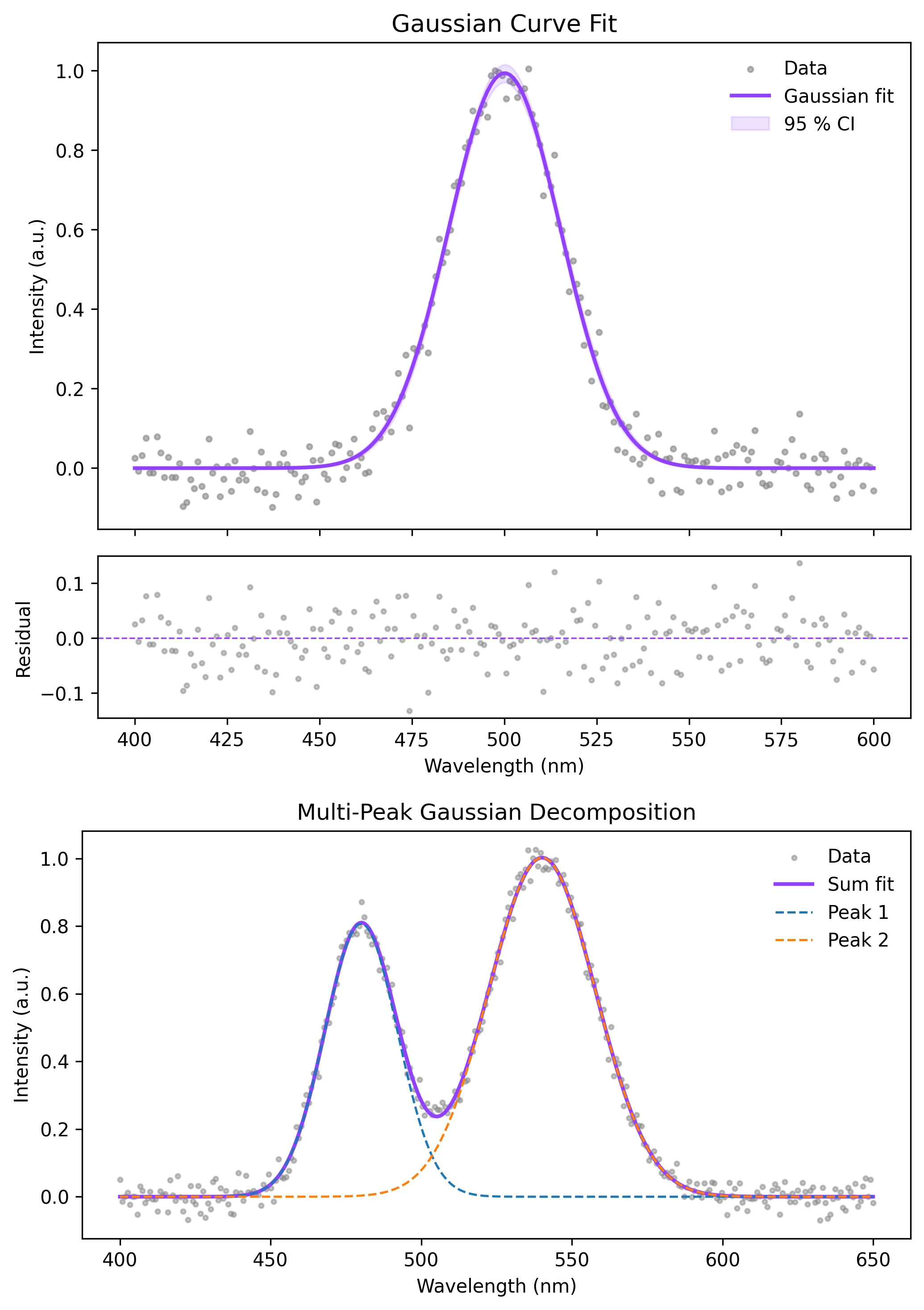
Review the example first, then use the live editor below to run and customize the full workflow.
Mathematical Foundation
FFT spectrum analysis converts a time-domain signal into frequency components so you can identify oscillations, harmonics, instrument noise, and periodic artifacts.
Equation
X[k] = sum_{n=0}^{N-1} x[n] * exp(-2*pi*i*k*n/N)Parameter breakdown
When to use this technique
Use FFT when the signal is evenly sampled and you need dominant frequencies or harmonics. For non-stationary signals, supplement it with a spectrogram or wavelet analysis.
Apply This Technique Now
Run this analysis workflow with AI in seconds. Use the prepared technique prompt or bring your own dataset.
View example prompt
"Compute the FFT of my signal, plot the amplitude spectrum and power spectral density, highlight the dominant frequency peaks, and annotate the sampling details"
How to apply this technique in 30 seconds
Generate
Run the example prompt and let AI generate this technique automatically.
Refine and Export
Adjust code or prompt, then export publication-ready figures.
Implementation Code
The core data processing logic. Copy this block and replace the sample data with your measurements.
import numpy as np
from scipy.signal import find_peaks, windows

sampling_rate = 500  # Hz
duration = 2.0
t = np.arange(0, duration, 1 / sampling_rate)

signal = (1.2 * np.sin(2 * np.pi * 35 * t)
        + 0.45 * np.sin(2 * np.pi * 90 * t)
        + 0.2 * np.random.default_rng(3).normal(size=t.size))

window = windows.hann(len(signal))
fft_values = np.fft.rfft(signal * window)
freq = np.fft.rfftfreq(len(signal), d=1 / sampling_rate)
amplitude = 2 * np.abs(fft_values) / np.sum(window)

peaks, props = find_peaks(amplitude, prominence=0.05, distance=5)
for idx in peaks[np.argsort(amplitude[peaks])[-5:]][::-1]:
print(f"{freq[idx]:.1f} Hz, amplitude {amplitude[idx]:.3f}")Visualization Code
Complete matplotlib code for a publication-ready figure. Copy, paste into your notebook, and adjust labels to match your data.
import numpy as np
import matplotlib.pyplot as plt
from scipy.signal import find_peaks, windows

fs = 500
t = np.arange(0, 2.0, 1 / fs)
rng = np.random.default_rng(3)
signal = 1.2 * np.sin(2 * np.pi * 35 * t) + 0.45 * np.sin(2 * np.pi * 90 * t)
signal += 0.2 * rng.normal(size=t.size)

window = windows.hann(len(signal))
freq = np.fft.rfftfreq(len(signal), d=1 / fs)
amp = 2 * np.abs(np.fft.rfft(signal * window)) / np.sum(window)
peaks, _ = find_peaks(amp, prominence=0.05, distance=5)

fig, (ax_time, ax_freq) = plt.subplots(2, 1, figsize=(8, 6))
ax_time.plot(t, signal, color="#111111", lw=0.9)
ax_time.set_xlabel("Time (s)")
ax_time.set_ylabel("Signal")
ax_time.set_title("Time-Domain Signal")

ax_freq.plot(freq, amp, color="#9240ff", lw=1.4)
ax_freq.scatter(freq[peaks], amp[peaks], color="#111111", s=26, zorder=3)
for pk in peaks:
    if amp[pk] > 0.15:
        ax_freq.annotate(f"{freq[pk]:.0f} Hz", (freq[pk], amp[pk]),
                         xytext=(0, 8), textcoords="offset points",
                         ha="center", fontsize=8)
ax_freq.set_xlim(0, 150)
ax_freq.set_xlabel("Frequency (Hz)")
ax_freq.set_ylabel("Amplitude")
ax_freq.set_title("FFT Amplitude Spectrum")
ax_time.spines[["top", "right"]].set_visible(False)
ax_freq.spines[["top", "right"]].set_visible(False)
plt.tight_layout()
plt.savefig("fft_spectrum_analysis.png", dpi=300, bbox_inches="tight")
plt.show()Power Spectral Density with Welch Averaging
Welch averaging reduces variance in noisy spectra by splitting the signal into overlapping windows and averaging periodograms.
from scipy.signal import welch

freq_psd, psd = welch(signal, fs=sampling_rate, nperseg=256, noverlap=128)
dominant = freq_psd[np.argmax(psd)]
print(f"Dominant PSD frequency: {dominant:.1f} Hz")Common Errors and How to Fix Them
Frequency axis is wrong
Why: The sampling interval passed to rfftfreq does not match the real acquisition rate.
Fix: Use d=1/sampling_rate and document the sampling rate in the figure or caption.
Spectral leakage smears peaks
Why: The signal window does not contain an integer number of cycles.
Fix: Apply a Hann or Blackman window before the FFT and report the window choice.
Aliased peaks appear below Nyquist frequency
Why: The original signal contains frequencies above half the sampling rate.
Fix: Use an anti-aliasing filter before acquisition or sample at a higher rate.
Frequently Asked Questions
Apply FFT Spectrum Analysis in Python to Your Data
Upload your dataset and Plotivy generates the Python code, runs the analysis, and produces a publication-ready figure.
Generate Code for This TechniquePython Libraries
Quick Info
- Domain
- Signal Processing
- Typical Audience
- Engineers, neuroscientists, physicists, and experimental scientists analyzing periodic signals, oscillations, or instrument noise