Multi-Panel Plots in R: A Guide to facet_wrap and facet_grid in ggplot2
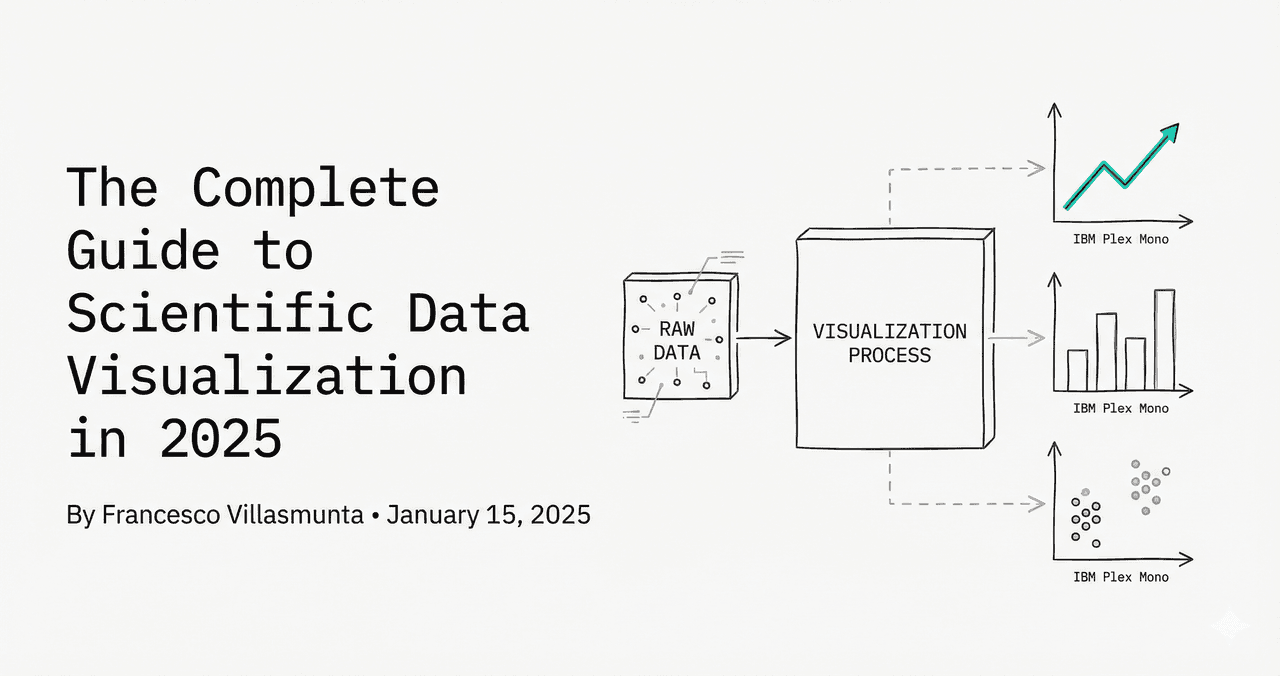
Creating multi-panel figures by manually positioning subplots is tedious. R's ggplot2 implements automatic sub-panels via faceting. It partitions the dataset by a categorical variable and replicates the plot structure across panels.
In This Guide
0.Live Code: Multi-Panel Faceted Layouts
1.Wrapping Panels (facet_wrap)
2.Faceted Grids (facet_grid)
3.Freeing Axis Scales (scales = "free")
4.Customizing Label Strips
0. Live Code: Multi-Panel Faceted Layouts
Visualizing segmented subgroups. Customize parameters using Python below, or upload your data to run R directly.
1. Wrapping Panels with facet_wrap
Use facet_wrap() to sequence panels horizontally and wrap them based on the `ncol` or `nrow` constraints:
R / ggplot2
ggplot(df, aes(x, y)) +
  geom_point() +
  facet_wrap(~ group_variable, ncol = 3)
2. Faceted Grids with facet_grid
Try it
Try it now: turn this method into your next figure
Apply the same approach to your own dataset and generate clean, publication-ready code and plots in minutes.
Open in Plotivy Analyze →Newsletter
Get a weekly Python plotting tip
One concise tip each week for cleaner, faster scientific figures. Built for researchers who publish.
Use facet_grid() to lay out panels matching a matrix grid (rows vs columns) of two variables:
R / ggplot2
# Rows ~ Columns
ggplot(df, aes(x, y)) +
  geom_point() +
  facet_grid(treatment ~ genotype)
3. Freeing Axis Scales across Panels
By default, all panels share fixed x and y ranges. Set scales = "free" or scales = "free_y" to let individual panel axes auto-scale:
R / ggplot2
ggplot(df, aes(x, y)) +
  geom_point() +
  facet_wrap(~ group, scales = "free_y")
4. Customizing Label Strips
Modify the background and text style of strip header labels using the `theme()` function:
R / ggplot2
ggplot(df, aes(x, y)) +
  geom_point() +
  facet_wrap(~ group) +
  theme(
    strip.background = element_rect(fill = "gray90", color = "gray70"),
    strip.text = element_text(face = "bold", size = 10, color = "black")
  )
Chart gallery
Explore related formats
Review multi-panel layouts.

Scatterplot
A scatter plot displays two quantitative variables as points, helping you examine relationships, clusters, outliers, and regression trends.
Sample code / prompt
import matplotlib.pyplot as plt
import numpy as np
from scipy import stats
import pandas as pd

# Generate sample data
np.random.seed(42)
n_samples = 200
height = np.random.normal(170, 8, n_samples)
weight = height * 0.6 + np.random.normal(0, 8, n_samples) - 50
Line Graph
Create a line graph in Python to connect ordered data points, reveal time-series trends, and compare how multiple values change across a continuous scale.
Sample code / prompt
import matplotlib.pyplot as plt
import numpy as np

# Generate temperature data for 3 major US cities over 12 months
months = ['Jan', 'Feb', 'Mar', 'Apr', 'May', 'Jun', 'Jul', 'Aug', 'Sep', 'Oct', 'Nov', 'Dec']
nyc = [30, 32, 40, 52, 65, 75, 82, 81, 74, 63, 50, 38]
miami = [65, 66, 70, 76, 82, 87, 90, 90, 87, 80, 72, 66]
chicago = [25, 27, 35, 48, 62, 72, 80, 79, 71, 60, 45, 32]

# Create figure with enhanced stylingBuild This Faceted Plot Online
Upload your data and describe the design. Plotivy writes the ggplot2 code and executes it instantly.
Technique guides scientists read next
scipy.signal.find_peaks guide
Tune prominence and width parameters for robust peak extraction.
Savitzky-Golay smoothing
Reduce noise while preserving peak shape and position.
PCA visualization workflow
Move from high-dimensional measurements to interpretable components.
ANOVA with post-hoc brackets
Add statistically correct pairwise significance annotations.
Found this helpful? Share it with your network.
Experimental Physicist & Photonics Researcher
Hands-on experience in silicon photonics, semiconductor fabrication (DRIE/ICP-RIE), optical simulation, and data-driven analysis. Built Plotivy to help researchers focus on discoveries instead of data struggles.
More about the authorVisualize your own data
Apply the techniques from this article to your own datasets. Upload CSV, Excel, or paste data directly.