Plotly vs Matplotlib for Scientific Plots: Interactivity vs Publication Control
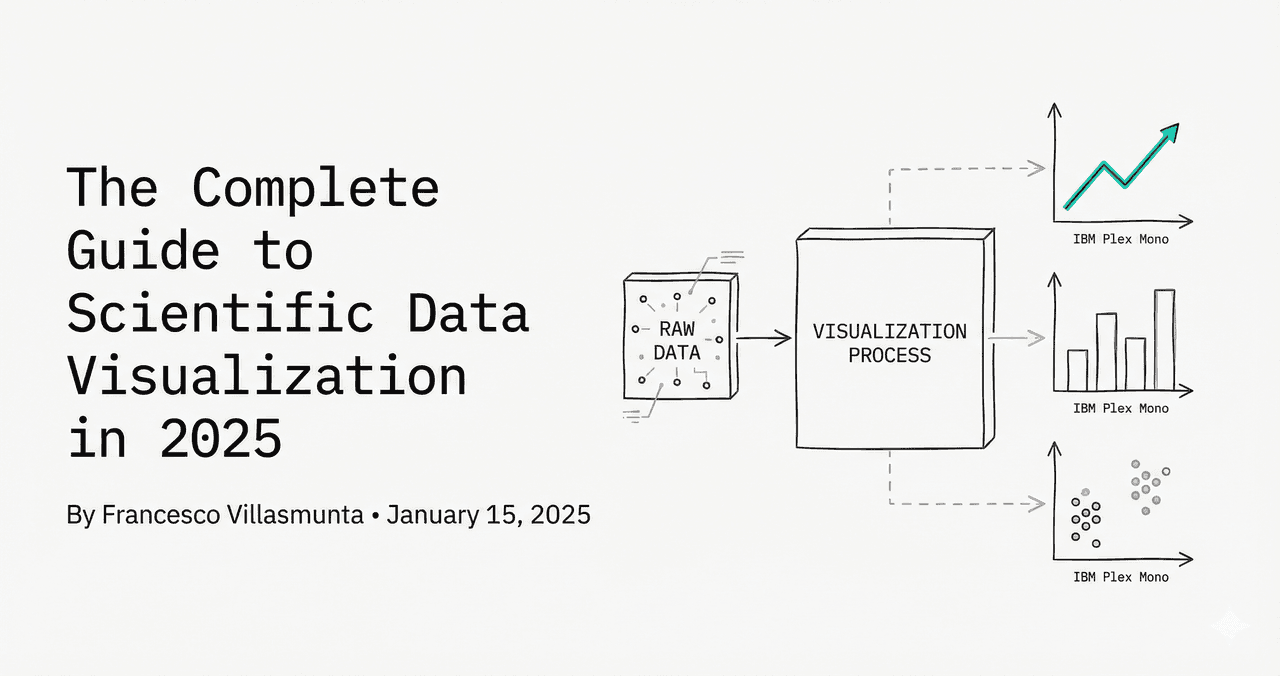
Plotly and matplotlib solve different parts of scientific visualization. Plotly is excellent for interactive exploration and stakeholder demos. Matplotlib is usually stronger for final manuscript figures where exact typography, spacing, and export control are required.
Short answer
- Use plotly for exploratory dashboards, collaborative review, and hover-driven data inspection.
- Use matplotlib for static, publication-ready exports with strict formatting requirements.
- Use both when you want fast discovery first and camera-ready figures second.
Matplotlib example
This is the common final-stage workflow for papers: static figure, explicit styling, and deterministic export.
import matplotlib.pyplot as plt

fig, ax = plt.subplots(figsize=(7, 4.5))
ax.plot(time_s, signal, color="#0f172a", linewidth=2)
ax.set_xlabel("Time (s)")
ax.set_ylabel("Signal (a.u.)")
ax.set_title("Matplotlib static figure")
ax.grid(alpha=0.25)
plt.tight_layout()
Try it
Try it now: review your figure before submission
Upload your current plot and get an AI critique with concrete fixes for clarity, typography, color, and journal readiness.
Open AI Figure Reviewer →Newsletter
Get a weekly Python plotting tip
One concise tip each week for cleaner, faster scientific figures. Built for researchers who publish.
Plotly example
Plotly is ideal when your team needs to zoom, filter, and inspect values interactively before deciding what to publish.
import plotly.express as px

fig = px.line(df, x="time_s", y="signal", color="condition", title="Interactive signal explorer")
fig.update_layout(template="plotly_white")
fig.show()
Comparison for research teams
| Criterion | Plotly | Matplotlib |
|---|---|---|
| Interactivity | Native hover, zoom, filtering | Limited without add-ons |
| Publication export | Good, sometimes needs cleanup | Excellent and predictable |
| Complex custom annotations | Possible, but verbose | Very strong |
| Dashboard integration | Excellent | Limited |
| Reviewer-ready static layout | Moderate | Strong |
Practical hybrid workflow
- Explore and QA your dataset with plotly so collaborators can inspect anomalies interactively.
- Lock chart decisions and reproduce the same figure in matplotlib for final submission files.
- Keep both scripts in version control so review comments are easy to implement.
Need both exploration speed and publication output? Use Plotivy to generate editable Python code, then choose plotly or matplotlib per figure objective.
Related chart guides
Apply this tutorial directly in the chart gallery with ready-to-run prompts and examples.
Technique guides scientists read next
scipy.signal.find_peaks guide
Tune prominence and width parameters for robust peak extraction.
Savitzky-Golay smoothing
Reduce noise while preserving peak shape and position.
PCA visualization workflow
Move from high-dimensional measurements to interpretable components.
ANOVA with post-hoc brackets
Add statistically correct pairwise significance annotations.
Found this helpful? Share it with your network.
Experimental Physicist & Photonics Researcher
Hands-on experience in silicon photonics, semiconductor fabrication (DRIE/ICP-RIE), optical simulation, and data-driven analysis. Built Plotivy to help researchers focus on discoveries instead of data struggles.
More about the authorVisualize your own data
Apply the techniques from this article to your own datasets. Upload CSV, Excel, or paste data directly.