How to Make Subplots in Matplotlib (Python Multi-Panel Figures Guide)
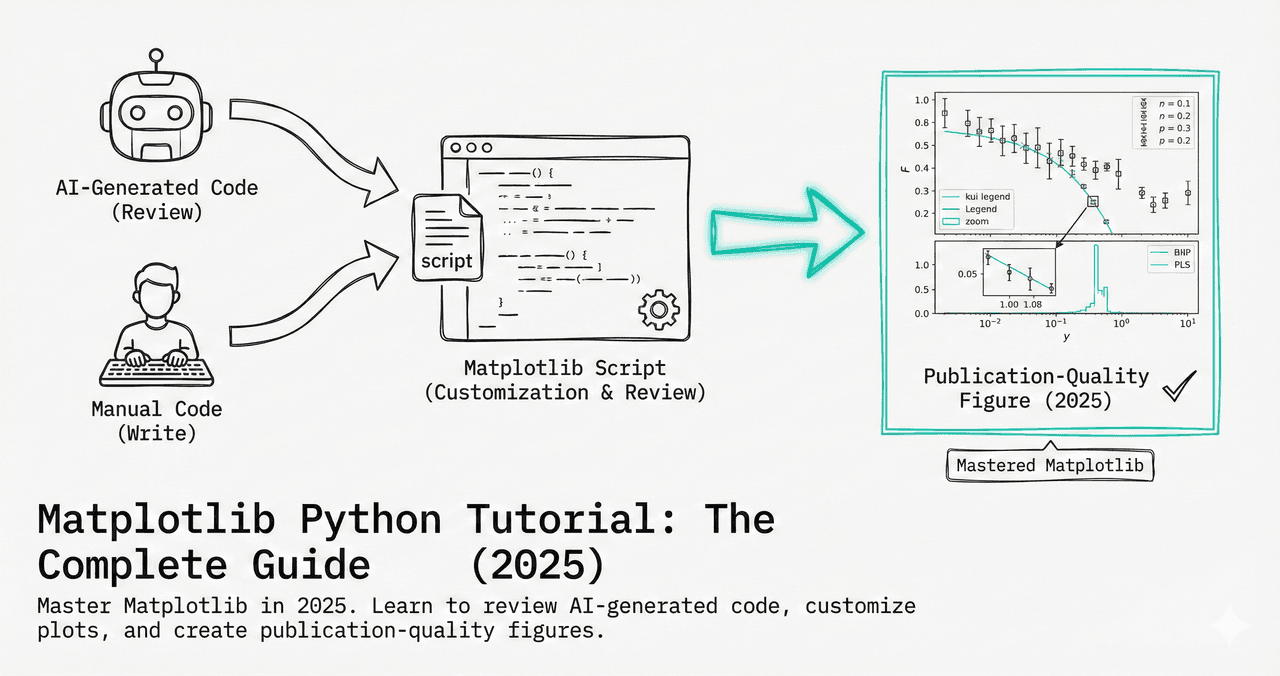
Most real scientific figures are not single plots — they are multi-panel layouts with an (a), (b), (c) grid of related views. In matplotlib, the tool for this is plt.subplots(), with subplot_mosaic() for irregular layouts. This guide covers grids, shared axes, unequal panel sizes, named mosaic layouts, and panel labeling — everything you need to assemble a journal-ready composite figure.
If you are still learning matplotlib basics, read the complete matplotlib tutorial first, then use this guide to combine plots into one figure.
fig vs axes
plt.subplots() returns the figure and an array of axes. Draw on each axis, not on plt directly.
Share axes
sharex / sharey align scales across panels so comparisons are honest and ticks are not repeated.
tight_layout
Call fig.tight_layout() (or constrained_layout=True) so labels never overlap between panels.
1. A grid of subplots
Call plt.subplots(nrows, ncols). With more than one row and column you get a 2D array of axes, indexed as axes[row, col]. Always set the figure size up front — resizing later rescales fonts and breaks journal sizing.
import matplotlib.pyplot as plt
import numpy as np

x = np.linspace(0, 2 * np.pi, 200)

# 2 rows x 2 columns of axes
fig, axes = plt.subplots(2, 2, figsize=(8, 6))

axes[0, 0].plot(x, np.sin(x), color="#7c3aed")
axes[0, 0].set_title("sin")
axes[0, 1].plot(x, np.cos(x), color="#ec4899")
axes[0, 1].set_title("cos")
axes[1, 0].plot(x, np.tan(x), color="#10b981")
axes[1, 0].set_ylim(-5, 5)
axes[1, 0].set_title("tan")
axes[1, 1].plot(x, np.exp(-x), color="#f59e0b")
axes[1, 1].set_title("decay")

fig.tight_layout()
2. Loop over panels cleanly
When every panel does the same thing with different data, do not hardcode indices. Use axes.flat to iterate over all axes in row-major order in a single loop — this scales from a 2×2 to a 5×5 grid without rewriting the code.
import matplotlib.pyplot as plt
import numpy as np

rng = np.random.default_rng(42)
fig, axes = plt.subplots(2, 3, figsize=(10, 6))

# axes is a 2x3 array; flatten it to loop in one line
for i, ax in enumerate(axes.flat):
    ax.hist(rng.normal(i, 1, 300), bins=20, color="#7c3aed", edgecolor="white")
    ax.set_title(f"Sample {i + 1}")

fig.tight_layout()
3. Share axes to align comparisons
Stacked time series or spectra should share an x-axis so features line up vertically. Pass sharex=True, tighten the vertical spacing with gridspec_kw={"hspace": ...}, and call fig.align_ylabels() so the y-labels sit at a consistent x position.
import matplotlib.pyplot as plt
import numpy as np

x = np.linspace(0, 10, 200)
fig, axes = plt.subplots(3, 1, figsize=(6, 7),
                         sharex=True,            # one shared x-axis
                         gridspec_kw={"hspace": 0.08})

axes[0].plot(x, np.sin(x), color="#7c3aed")
axes[1].plot(x, np.sin(2 * x), color="#ec4899")
axes[2].plot(x, np.sin(3 * x), color="#10b981")
axes[2].set_xlabel("Time (s)")

for ax in axes:
    ax.set_ylabel("Amp")

fig.align_ylabels(axes)
Try it
Try it now: turn this method into your next figure
Apply the same approach to your own dataset and generate clean, publication-ready code and plots in minutes.
Open in Plotivy Analyze →Newsletter
Get a weekly Python plotting tip
One concise tip each week for cleaner, faster scientific figures. Built for researchers who publish.
4. Unequal panel sizes with height ratios
A common scientific layout is a tall main panel with a short residual strip beneath it. Use gridspec_kw={"height_ratios": [3, 1]} to size the rows proportionally, and sharex=True so the two panels stay aligned.
import matplotlib.pyplot as plt
import numpy as np

x = np.linspace(0, 10, 200)

# Top panel 3x taller than the bottom residual strip
fig, (ax_main, ax_resid) = plt.subplots(
    2, 1, figsize=(6, 5), sharex=True,
    gridspec_kw={"height_ratios": [3, 1], "hspace": 0.05},
)

ax_main.plot(x, np.sin(x), color="#7c3aed", label="model")
ax_main.legend(frameon=False)
ax_resid.axhline(0, color="gray", lw=0.8)
ax_resid.scatter(x, np.random.normal(0, 0.1, x.size), s=5, color="#ec4899")
ax_resid.set_xlabel("x")
ax_resid.set_ylabel("resid")
5. Irregular layouts with subplot_mosaic
For anything that is not a clean grid — a wide overview spanning the top and two detail panels below — plt.subplot_mosaic() is far cleaner than manual gridspec. You describe the layout as a list of rows of names, then access each axis by name. Repeating a name makes that panel span those cells.
import matplotlib.pyplot as plt
import numpy as np

x = np.linspace(0, 10, 200)

# Named layout: "wide" spans the top row, two panels share the bottom
fig, axd = plt.subplot_mosaic(
    [["wide", "wide"],
     ["lower_left", "lower_right"]],
    figsize=(8, 5.5),
)

axd["wide"].plot(x, np.sin(x), color="#7c3aed")
axd["wide"].set_title("Overview")
axd["lower_left"].scatter(x, np.cos(x), s=6, color="#ec4899")
axd["lower_right"].hist(np.cos(x), bins=20, color="#10b981", edgecolor="white")

fig.tight_layout()
6. Label the panels (a, b, c)
Journals expect each panel to carry a bold letter. Place it in axes-fraction coordinates with transform=ax.transAxes so the position is consistent regardless of the data range.
import matplotlib.pyplot as plt
import string

fig, axes = plt.subplots(1, 3, figsize=(10, 3.2))

for ax, letter in zip(axes.flat, string.ascii_uppercase):
    ax.text(-0.1, 1.05, letter, transform=ax.transAxes,
            fontsize=13, fontweight="bold", va="bottom", ha="right")

fig.tight_layout()
Quick reference: subplot arguments
| Argument | What it does |
|---|---|
| figsize | Figure size in inches (width, height) — set it once |
| sharex / sharey | Share the scale and ticks across panels |
| gridspec_kw | height_ratios, width_ratios, hspace, wspace |
| constrained_layout | Auto-spacing alternative to tight_layout() |
| squeeze | Set False to always get a 2D axes array |
Common mistakes and fixes
- Indexing a 1D axes array as 2D — with a single row or column,
axesis 1D (axes[i]), notaxes[i, j]. Passsqueeze=Falseif you want it always 2D. - Overlapping labels — call
fig.tight_layout()or build withconstrained_layout=True. - Repeated axis ticks — use
sharex/shareyso inner panels drop redundant tick labels. - Resizing after plotting — set
figsizein thesubplots()call; resizing later rescales fonts unpredictably. - One shared legend repeated per panel — collect handles and call
fig.legend()once, outside the axes.
Frequently asked questions
What is the difference between plt.subplots and plt.subplot?
plt.subplots() (plural) creates the whole grid at once and returns the figure plus an array of axes — this is what you want almost always. plt.subplot() (singular) adds one axis at a time by index and is a legacy MATLAB-style API. Prefer the plural form.
How do I make subplots of different sizes?
Use gridspec_kw with height_ratios or width_ratios for proportional rows and columns, or use plt.subplot_mosaic() and let a panel span multiple cells by repeating its name in the layout.
How do I add one shared title or legend?
Use fig.suptitle("...") for a figure-level title and fig.legend(handles, labels) for a single legend placed relative to the whole figure rather than one panel.
Describe the figure — "a 2-by-2 panel with shared x-axis and bold panel labels" — and Plotivy writes the matplotlib subplot code for you, sized for your target journal.
Build a multi-panel figure in PlotivyRelated chart guides
Apply this tutorial directly in the chart gallery with ready-to-run prompts and examples.
Technique guides scientists read next
scipy.signal.find_peaks guide
Tune prominence and width parameters for robust peak extraction.
Savitzky-Golay smoothing
Reduce noise while preserving peak shape and position.
PCA visualization workflow
Move from high-dimensional measurements to interpretable components.
ANOVA with post-hoc brackets
Add statistically correct pairwise significance annotations.
Found this helpful? Share it with your network.
Experimental Physicist & Photonics Researcher
Hands-on experience in silicon photonics, semiconductor fabrication (DRIE/ICP-RIE), optical simulation, and data-driven analysis. Built Plotivy to help researchers focus on discoveries instead of data struggles.
More about the authorVisualize your own data
Apply the techniques from this article to your own datasets. Upload CSV, Excel, or paste data directly.